Global Trainer · Fitness UI/UX Mobile Design
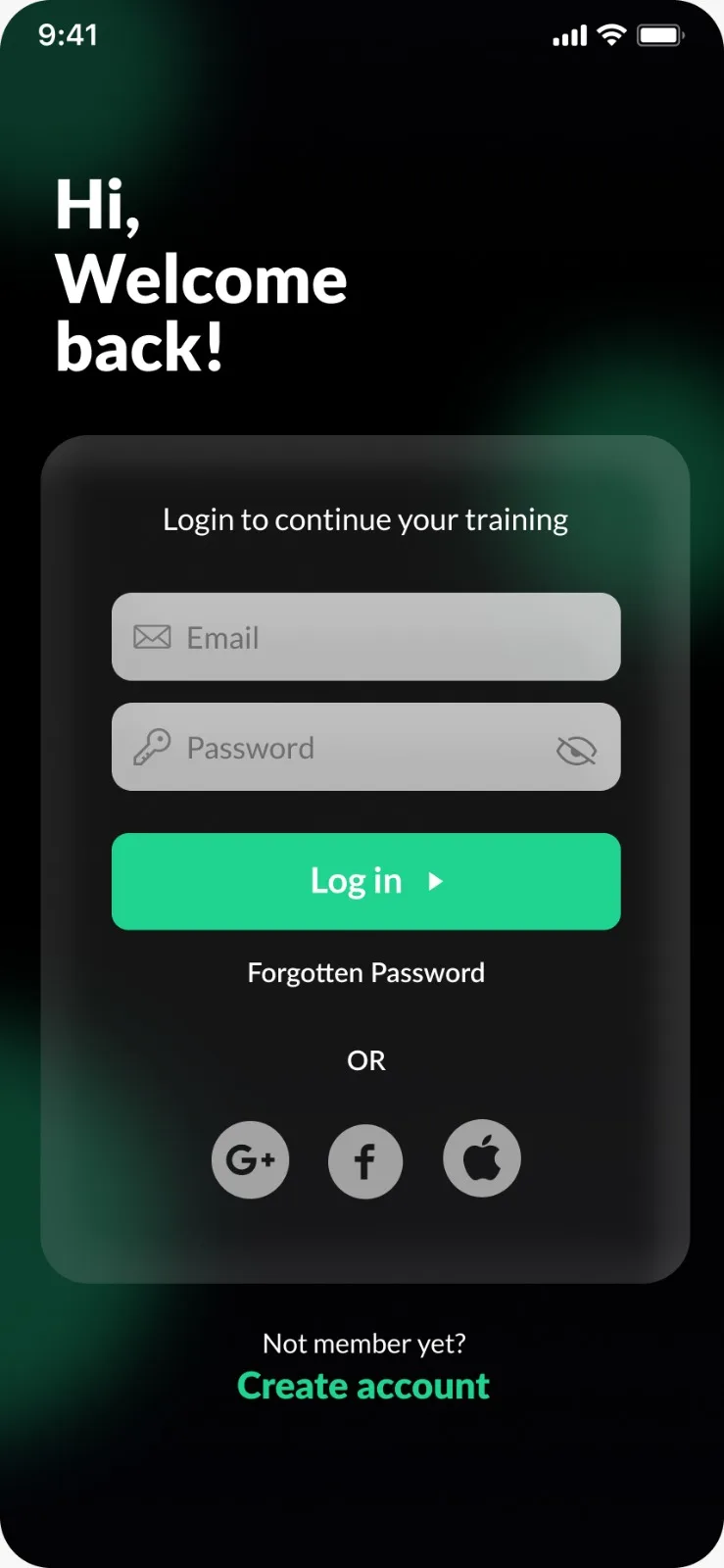
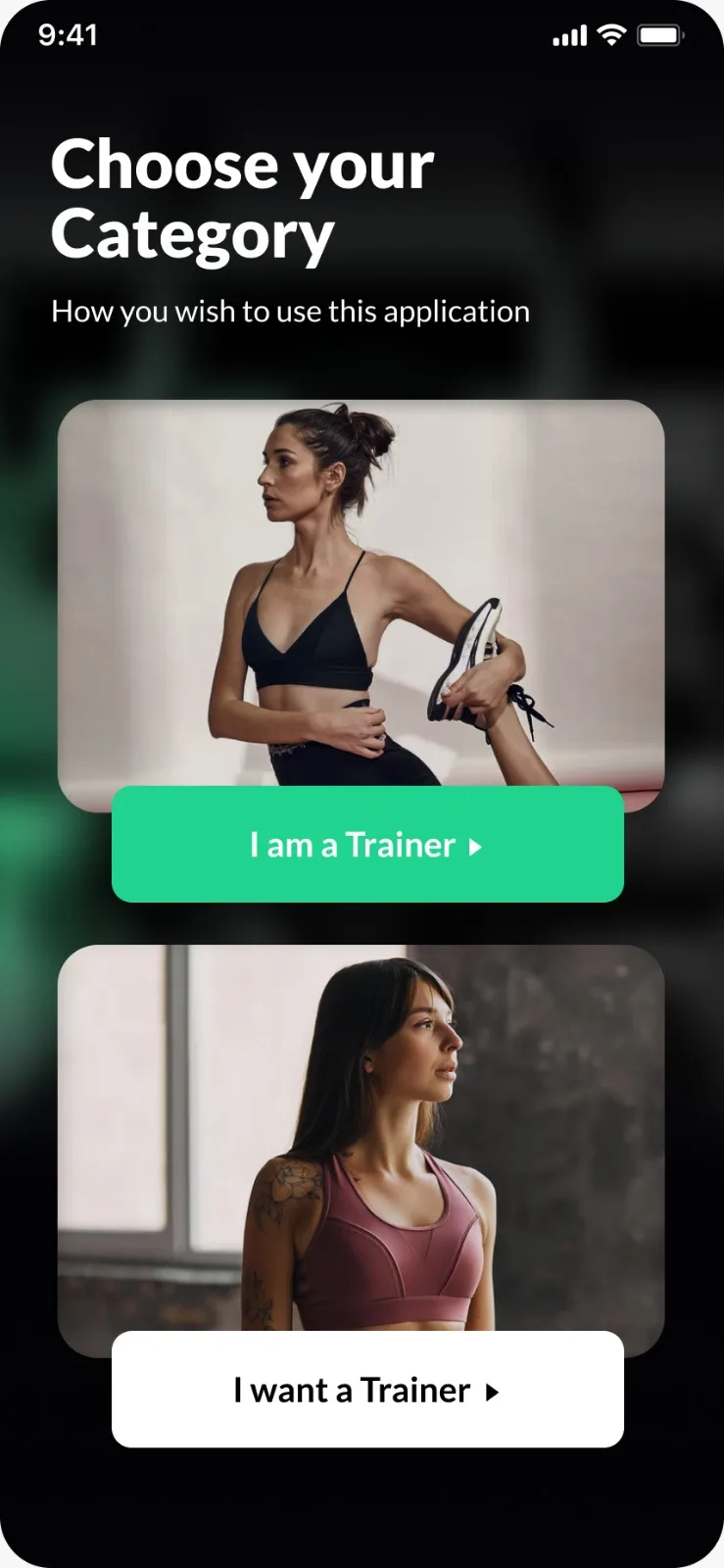
A responsive mobile app concept that bridges the gap between personal trainers and their clients. Global Trainer delivers an intuitive experience for workout planning, progress tracking, and real-time communication—designed to motivate and empower both sides of the fitness journey.
Timeline
8 weeks
Platform
iOS & Android
Deliverable
UI/UX Design
Role
UI/UX Design · Graphic Design · Interaction Design
Tools
Figma · Adobe Photoshop · Adobe Illustrator · Prototyping
Focus
Responsive design bridging trainer expertise with trainee motivation through intuitive mobile experience
Design approach
From research to refined mobile experience
A structured design process ensured every screen, interaction, and visual element serves the dual needs of trainers and trainees.
Research & Discovery
- User interviews with trainers
- Competitive analysis
- Fitness app UX patterns
Define & Ideate
- User personas
- Journey mapping
- Information architecture
Design
- Wireframes & flows
- Visual design system
- High-fidelity mockups
Prototype & Test
- Interactive prototypes
- Usability testing
- Design iteration
Feature highlights
Core capabilities designed for impact
Global Trainer balances powerful trainer tools with an engaging, motivational experience for clients. Each feature was crafted to reduce friction and enhance the fitness journey.
Trainer Dashboard
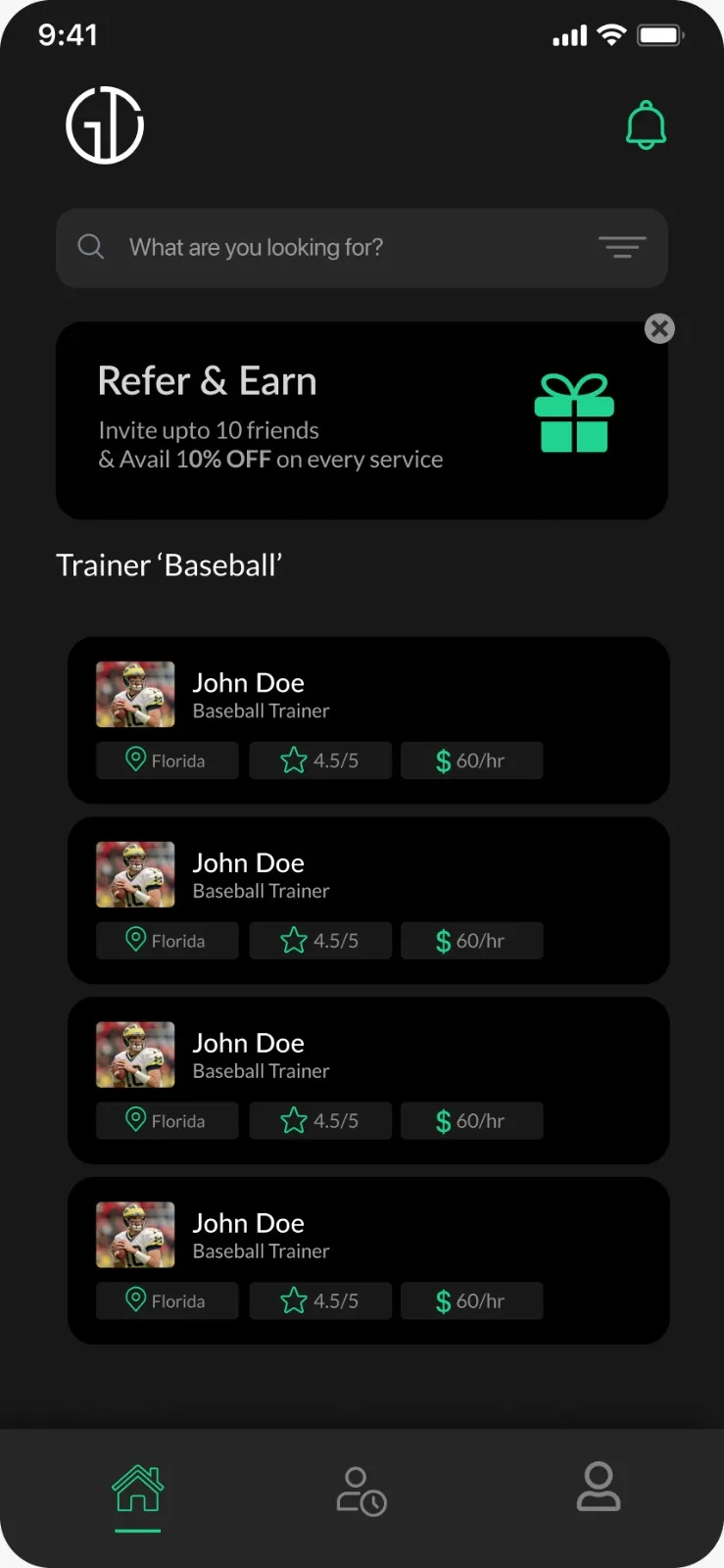
Intuitive interface for trainers to manage clients, track progress, and schedule sessions with real-time updates.
Workout Library
Comprehensive exercise database with video guides, customizable programs, and progress tracking metrics.
Client Progress Tracking
Visual analytics and milestone tracking to keep both trainers and clients motivated and informed.
Session Scheduling
Smart calendar integration with notifications, reminders, and seamless booking management.
Communication Hub
Built-in messaging, video calls, and feedback loops to maintain trainer-client connection.
Nutrition Planning
Meal planning tools, macro tracking, and dietary recommendations integrated with workout routines.
Mobile experience
Designed for on-the-go fitness management
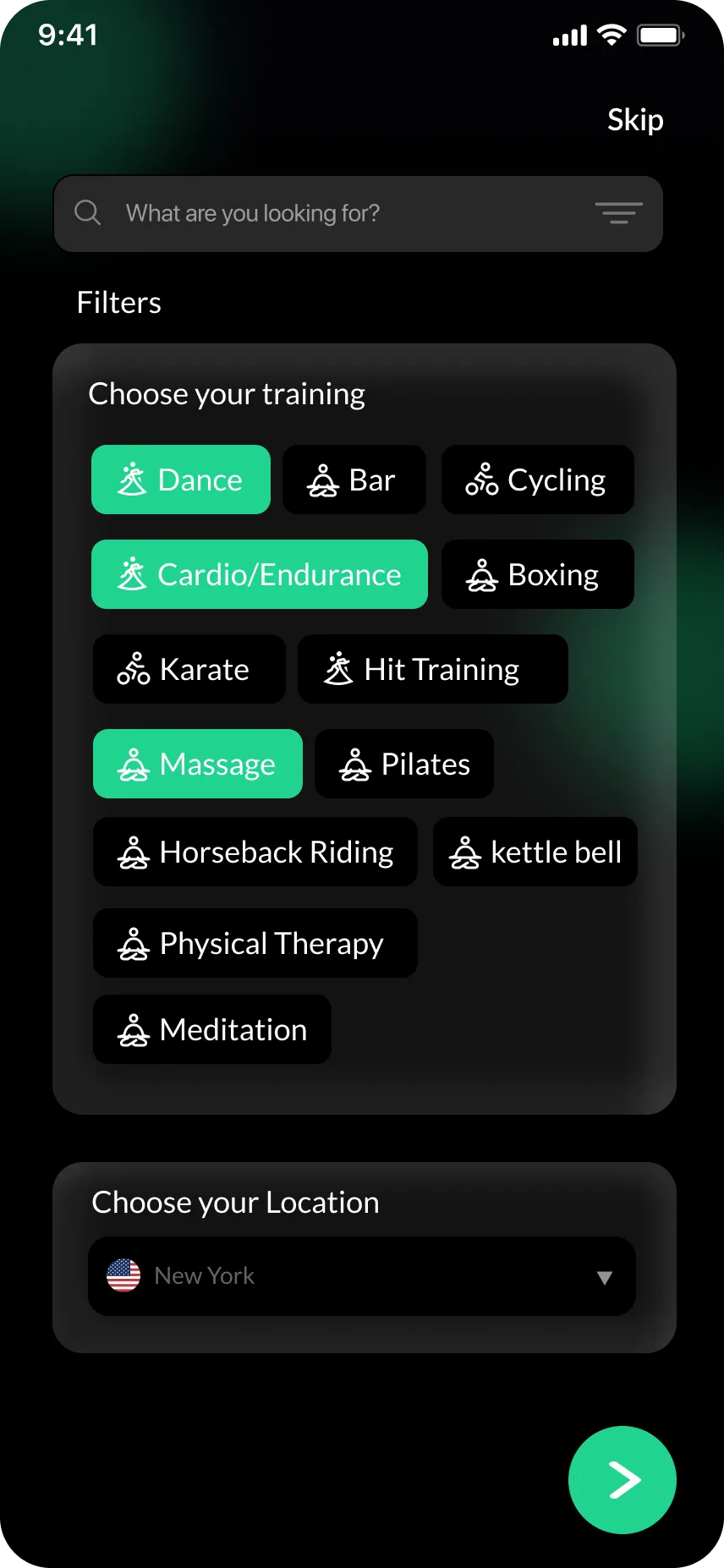
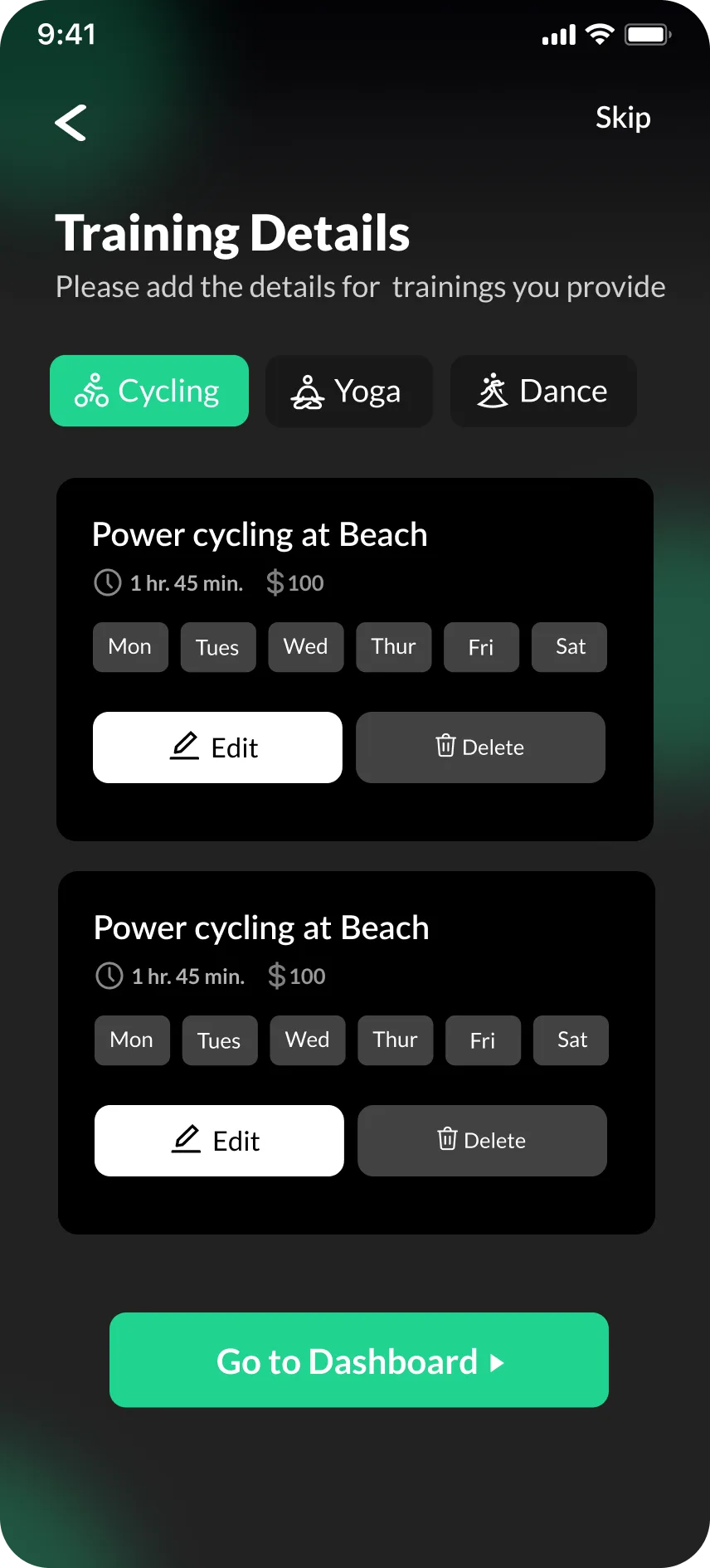
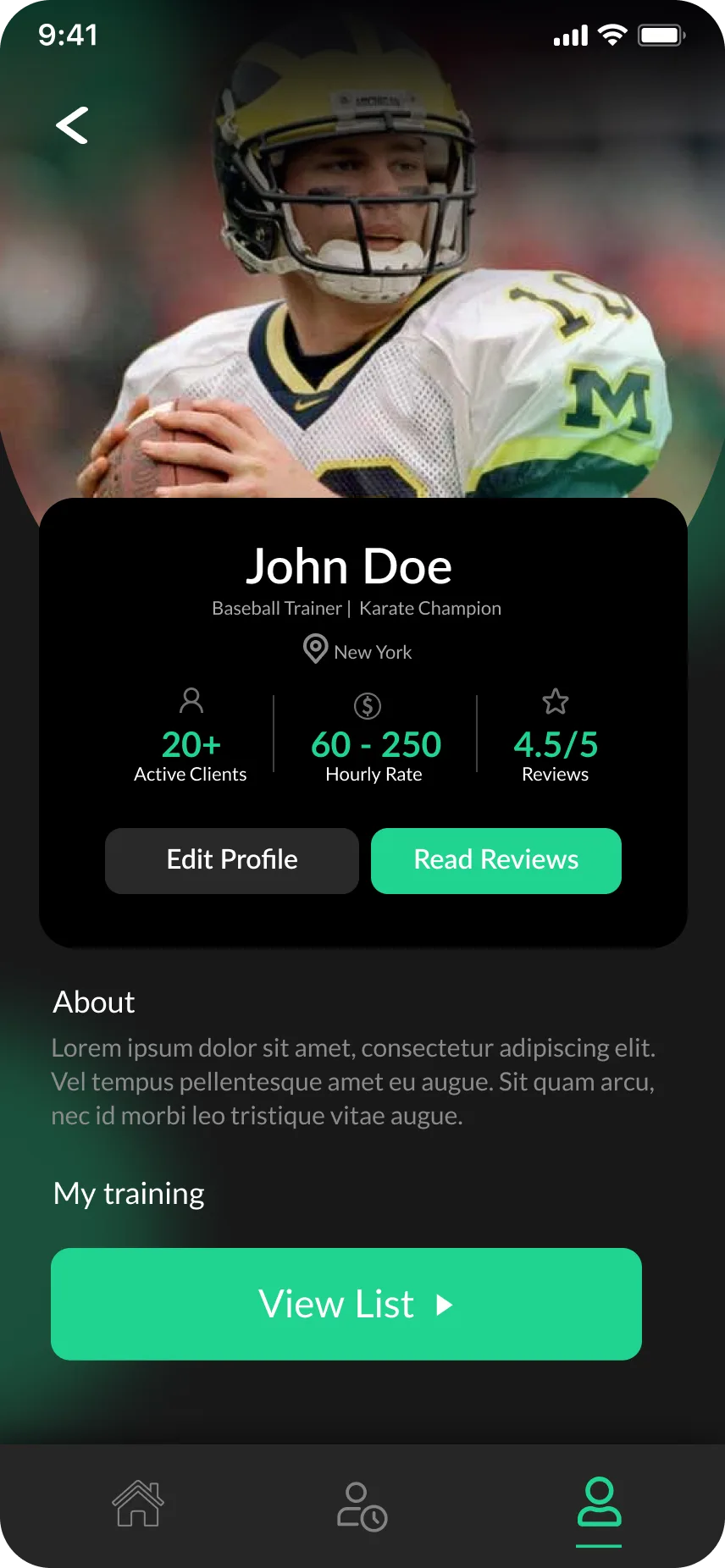
Every interaction, from scheduling to progress tracking, was optimized for mobile devices where trainers and clients spend most of their time.
Client workout plan
Progress analytics
Session scheduling
Design challenges
Solving complex UX problems
Creating a fitness app that serves both trainers and clients required careful attention to information hierarchy, usability, and motivation design.
Clarity over complexity—every screen serves a clear purpose.
Visual motivation—progress and achievements are celebrated prominently.
Trainer empowerment—tools that save time and enhance client relationships.
Seamless onboarding—new users can navigate core features intuitively.
Dual User Experience
Balancing the needs of trainers (efficiency, client management) with trainees (motivation, clarity).
Data Visualization
Presenting complex fitness metrics and progress data in an accessible, motivating format.
Mobile-First Complexity
Fitting rich functionality into a mobile interface without overwhelming users.
Engagement & Retention
Designing features that keep users consistently engaged with their fitness journey.
Visual language
Color palette & design system
A vibrant green and neutral palette creates an energetic, professional aesthetic. The color system balances motivation with clarity, ensuring readability and visual hierarchy across all screens.
Primary Green
#20D38F
Brand accent & CTAs
Dark Neutral
#1E1E1E
Text & secondary elements
Light Gray
#C1C2C3
Borders & dividers
White Glow
#FFFFFF
Highlights & cards
Project impact
Elevating the trainer-client experience through thoughtful design
Global Trainer demonstrates how mobile-first design can simplify complex workflows while keeping users motivated. The project showcases expertise in UI/UX, interaction design, and creating cohesive visual systems with Figma and Adobe Creative Suite.
Start your project